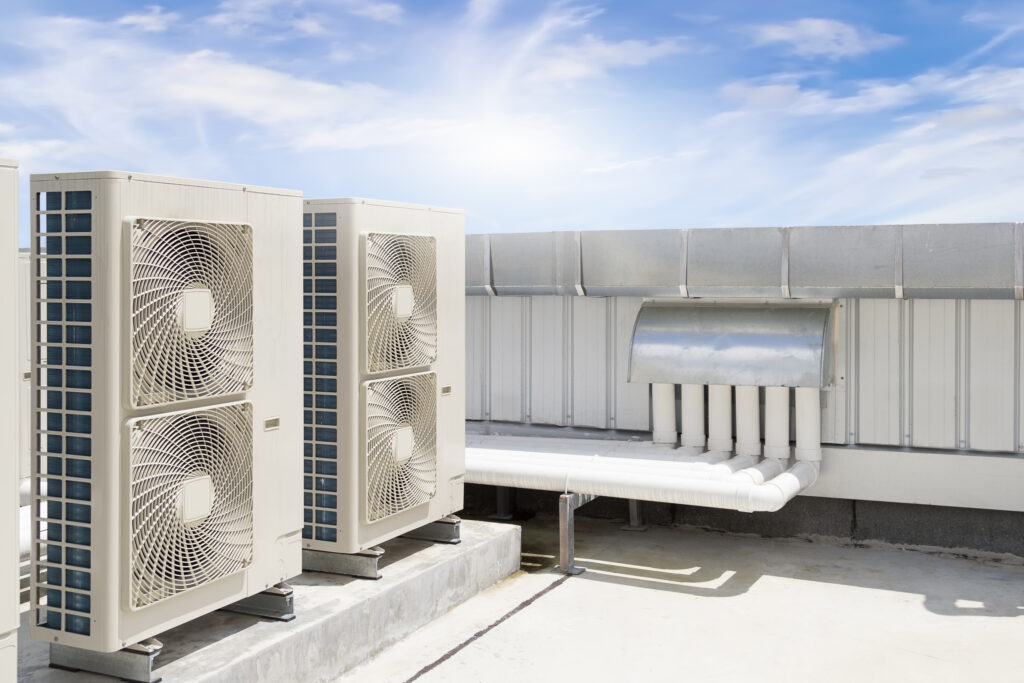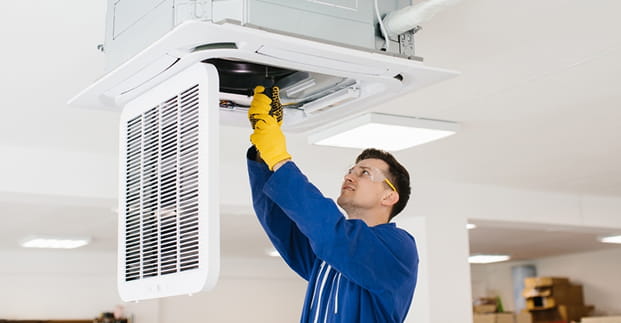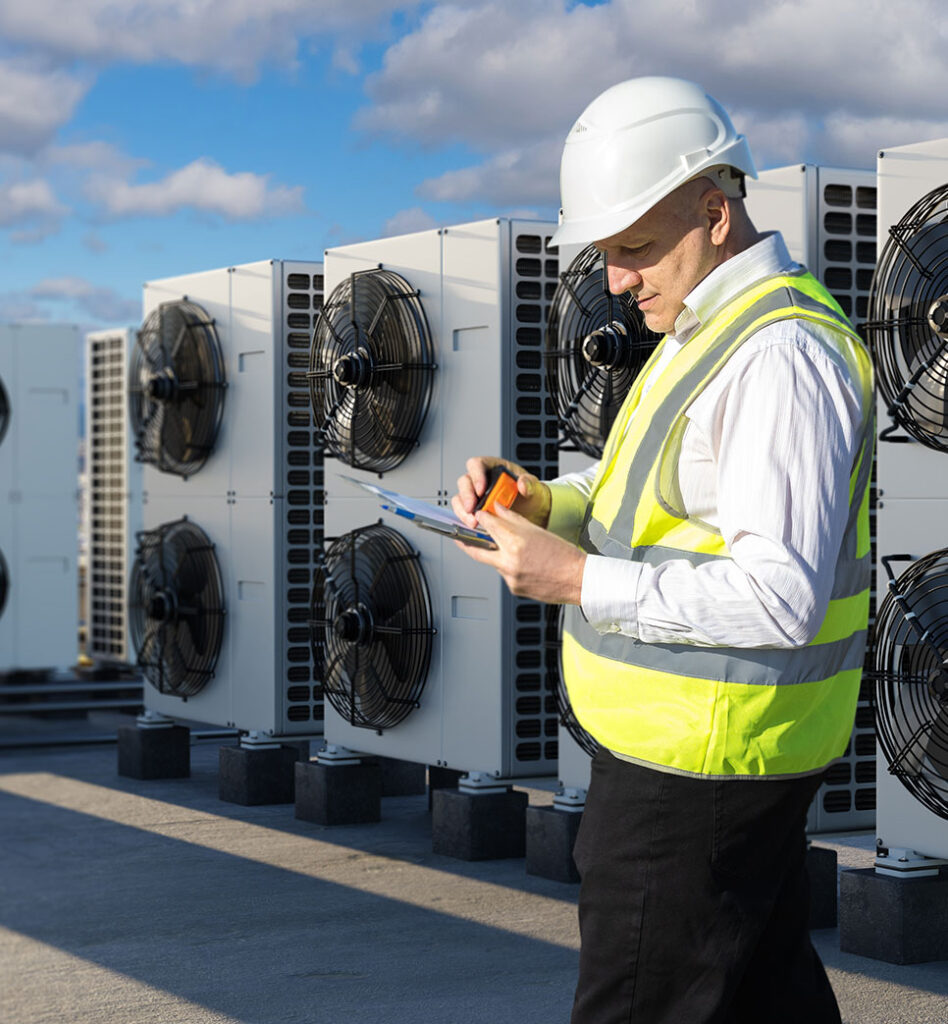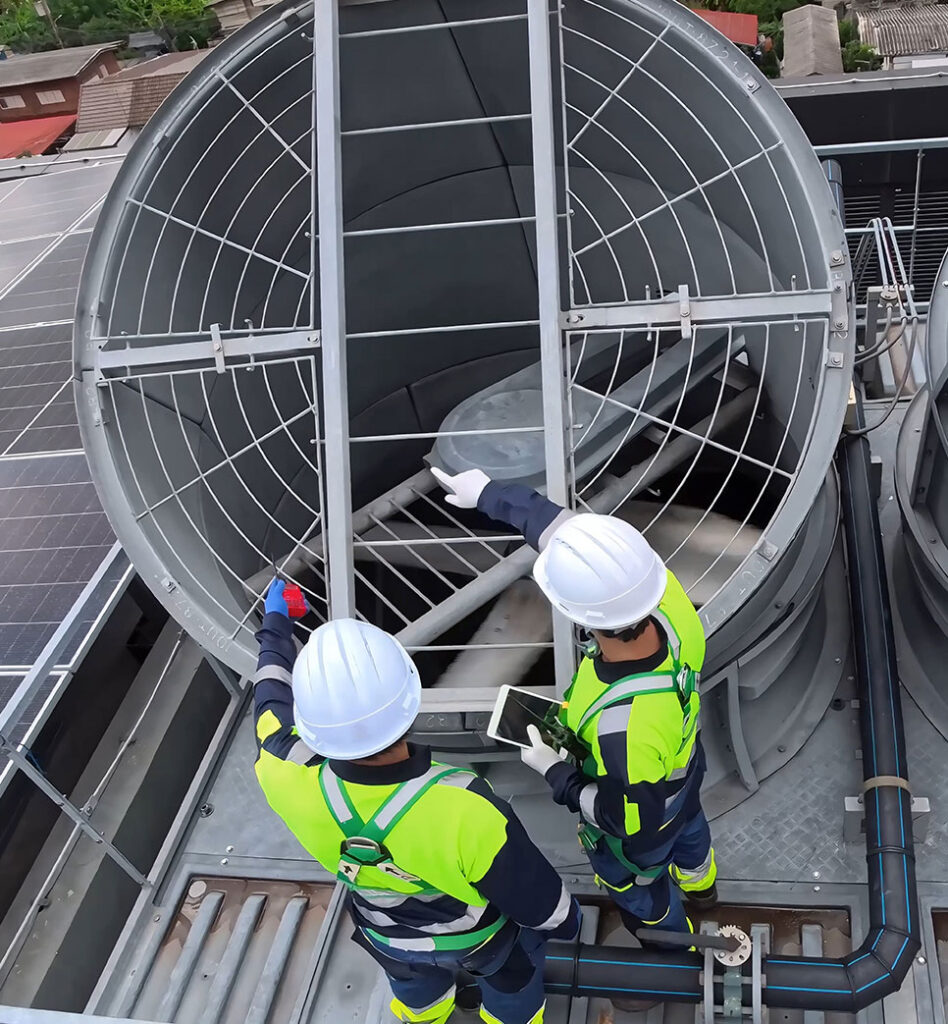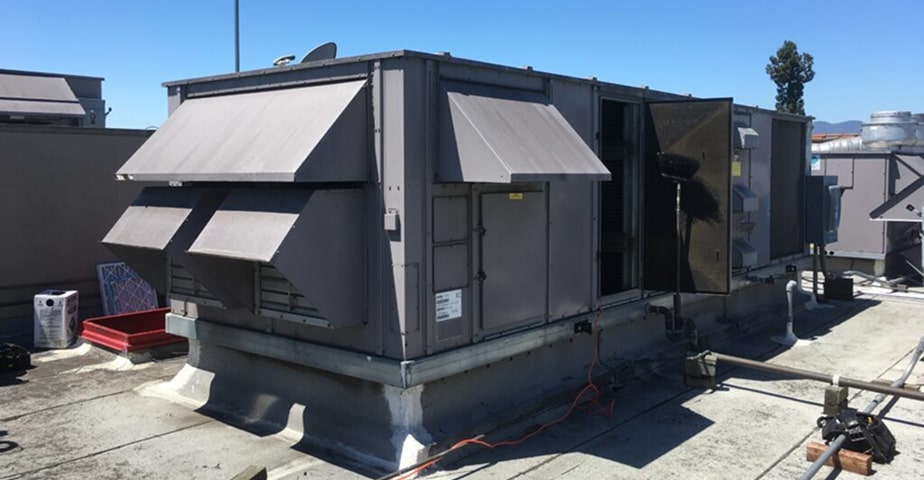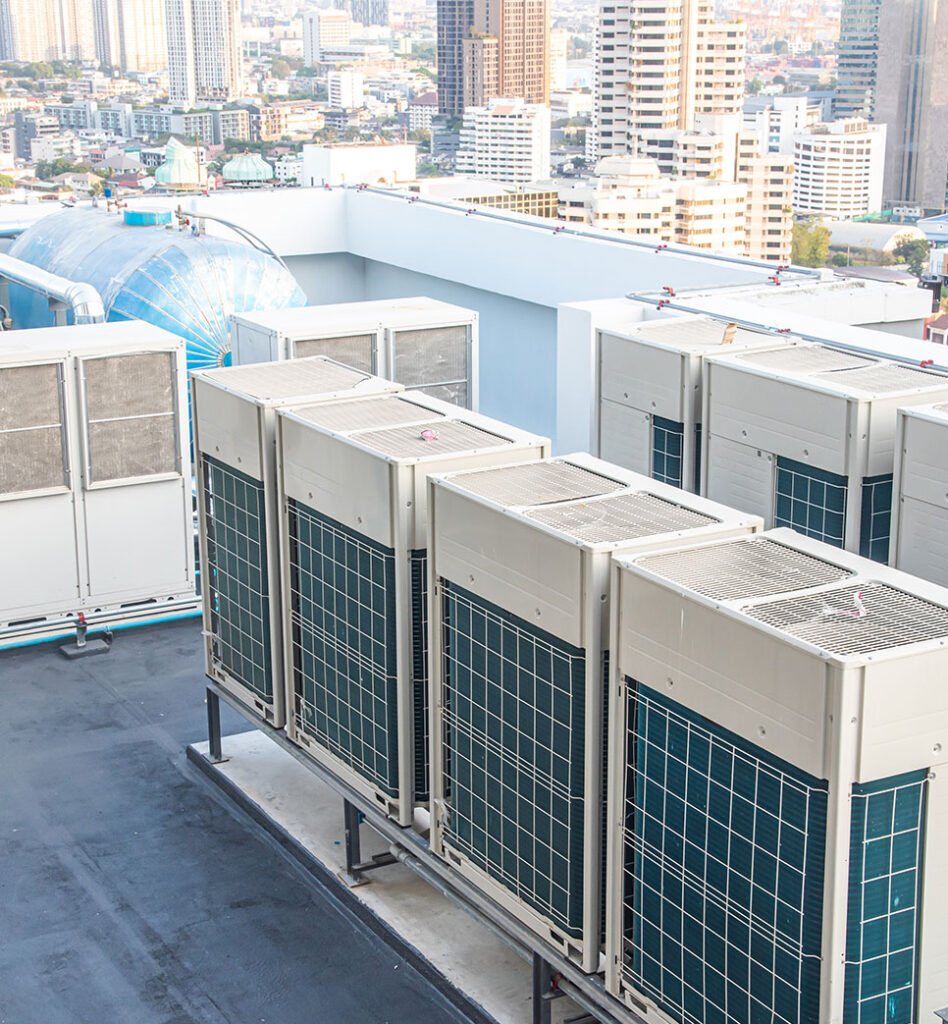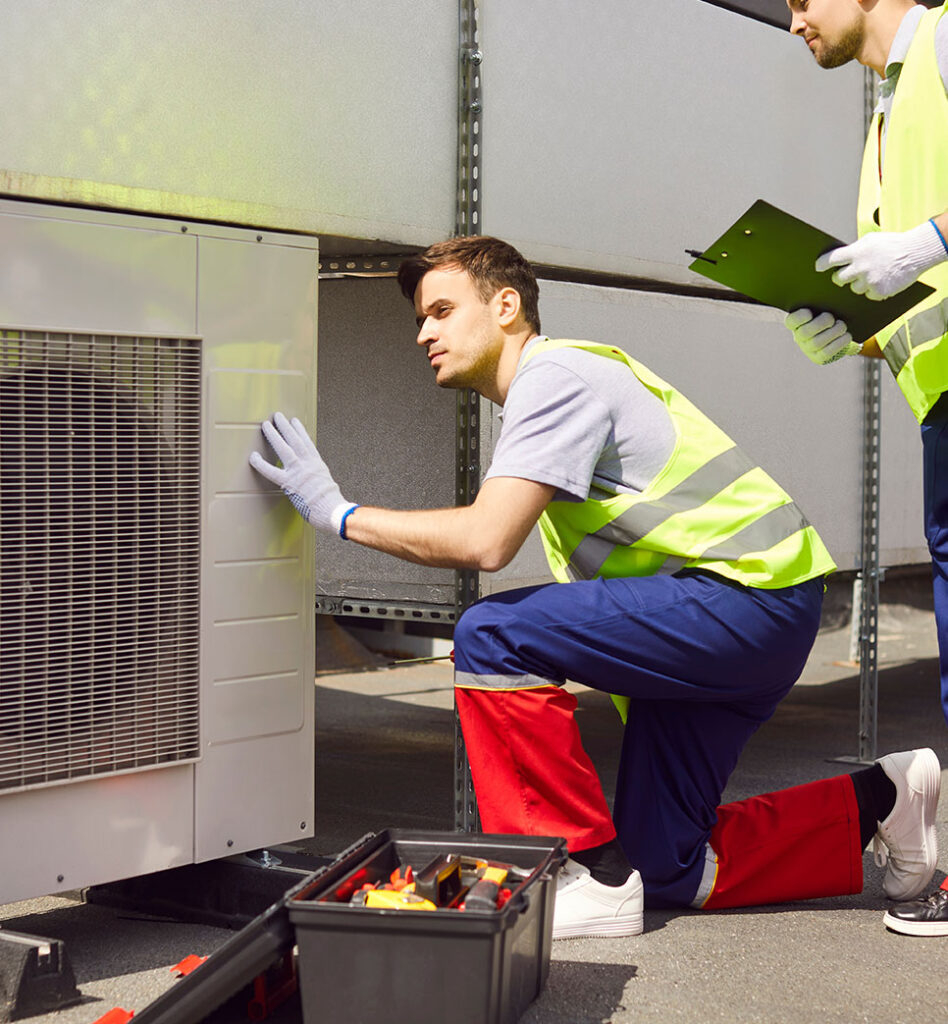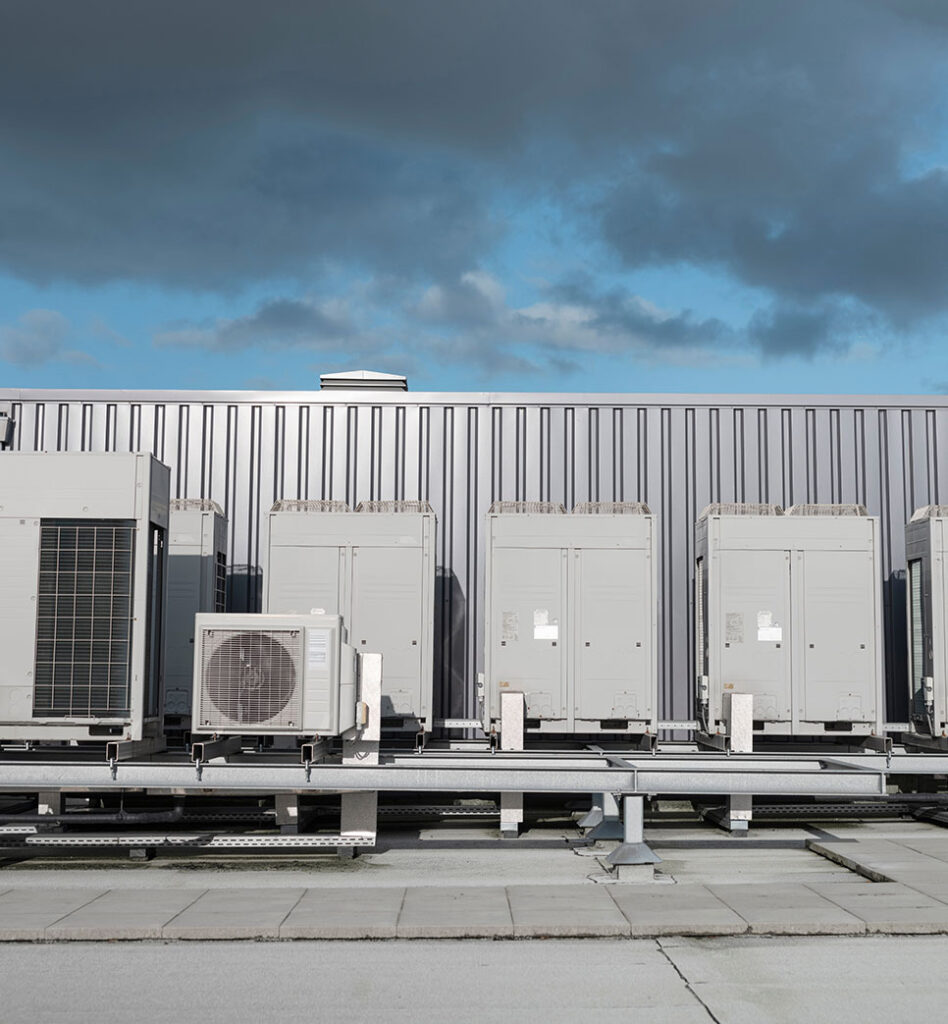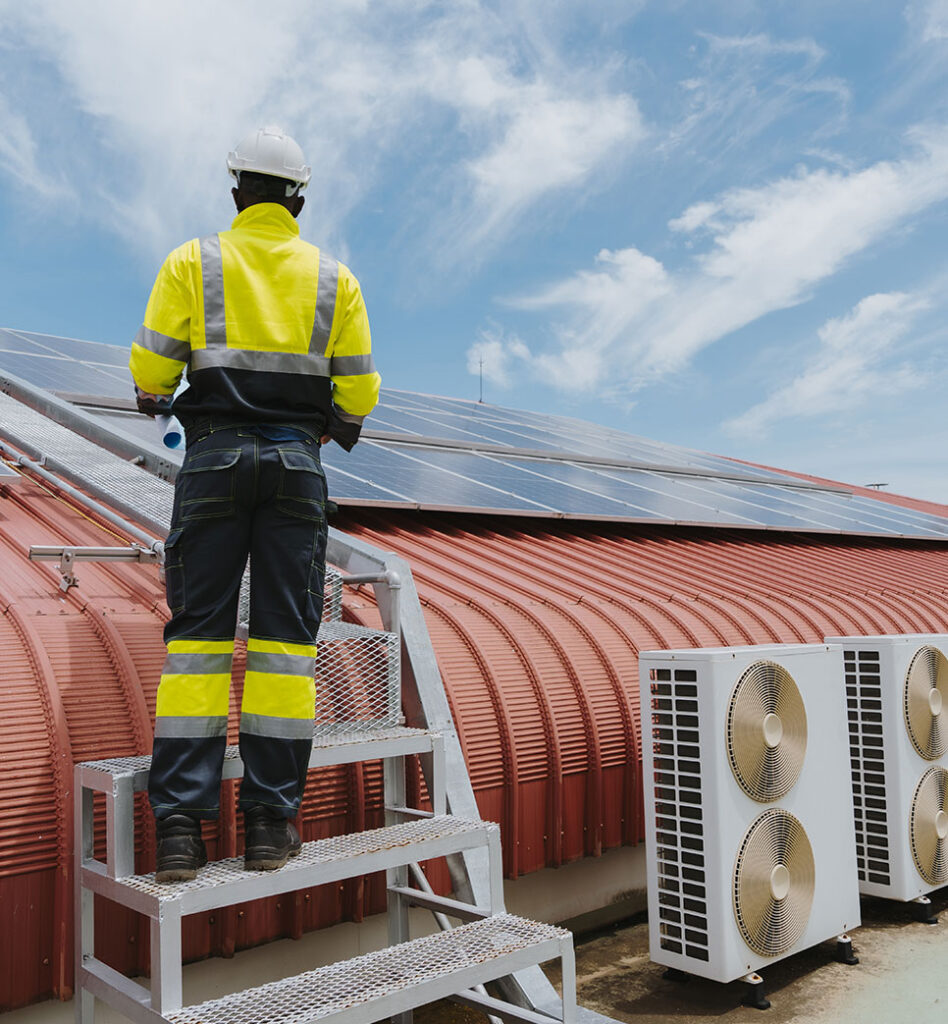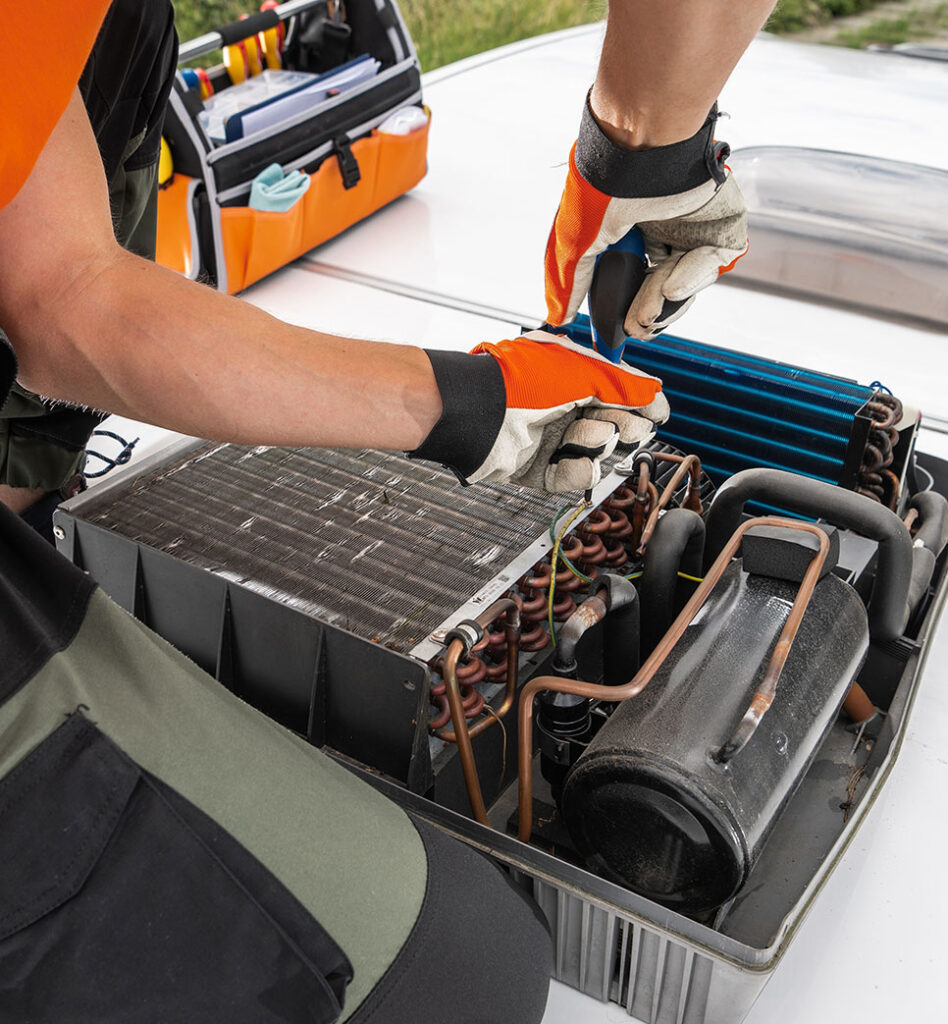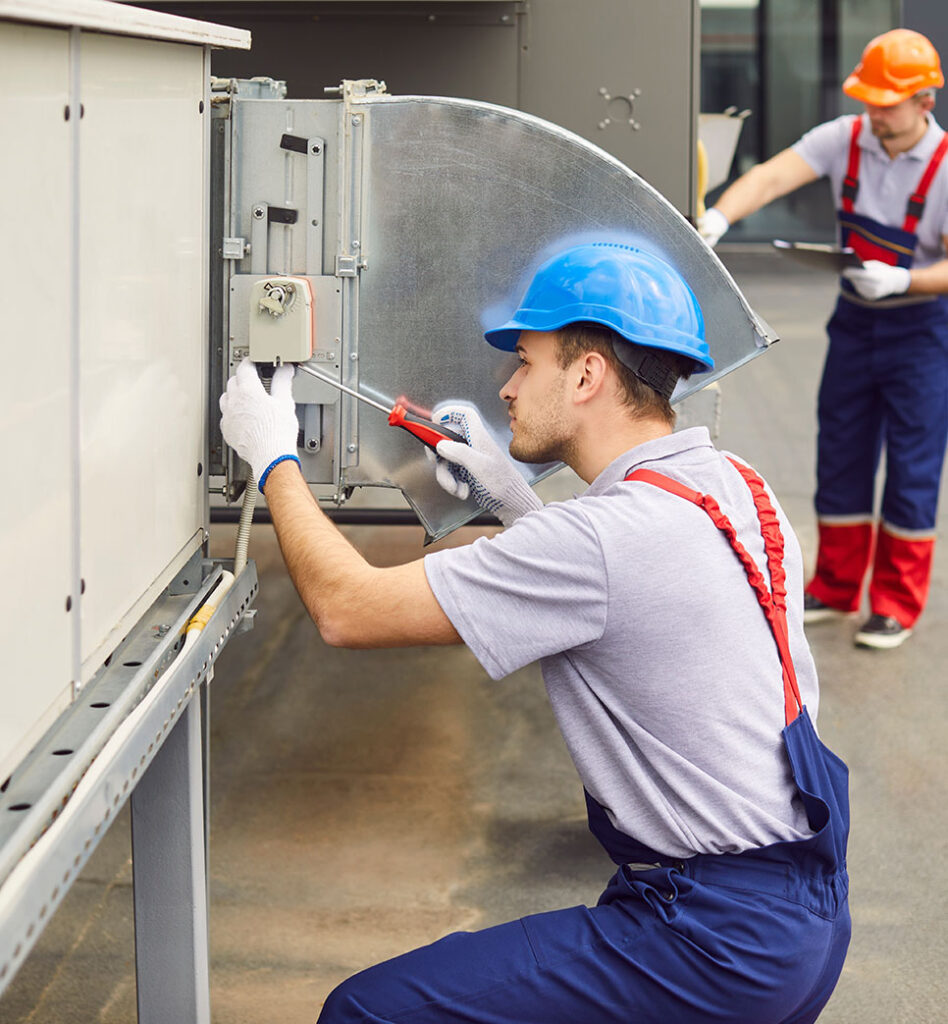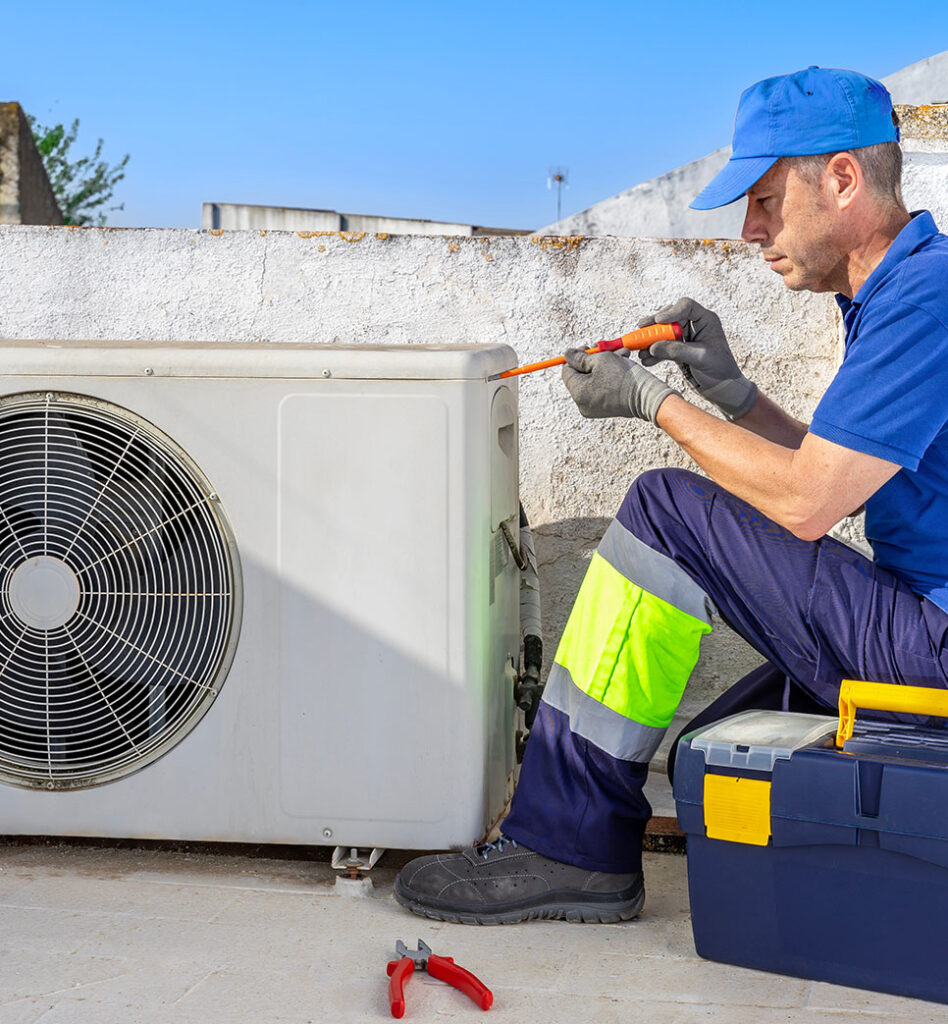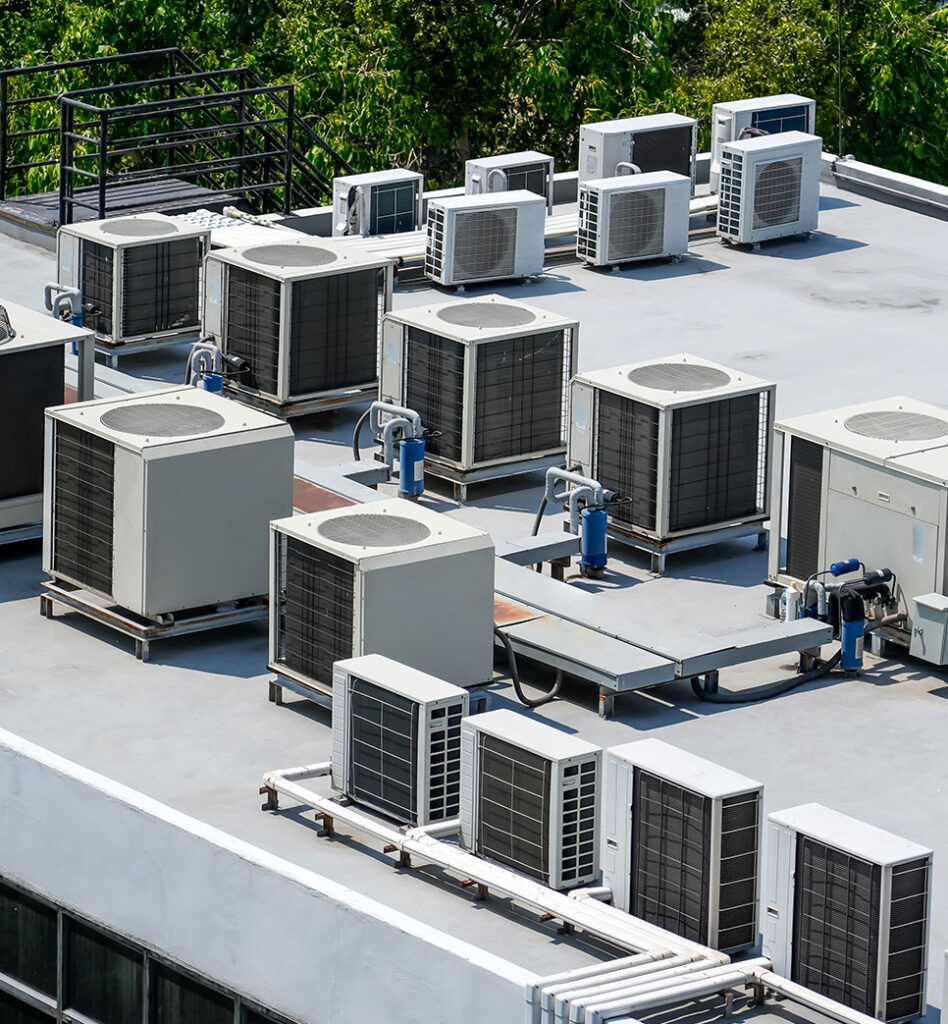
For a business owner or facility manager, few things induce panic quite like the sudden silence of the air conditioning system on a sweltering afternoon. In a commercial setting, your rooftop HVAC unit (RTU) isn’t just a luxury; it’s a critical asset. It protects inventory, keeps servers running, and ensures customers and employees remain comfortable and productive. When it stops working, every minute of downtime can translate to lost revenue, frustrated clients, and potential safety hazards.
However, panic is not a strategy. When your rooftop unit fails, you need a clear, actionable plan to diagnose the severity of the issue and get operations back on track as quickly as possible. While many HVAC problems require a licensed professional, there are several initial steps you can take to assess the situation, potentially resolve minor errors, and ensure that when you do call for help, the technician arrives with the right information.
In this comprehensive guide, we will walk you through exactly what to do when your rooftop HVAC system stops working—from immediate troubleshooting steps to understanding when to call for emergency service.
Step 1: Assess the Immediate Impact and Safety
Before you climb any ladders or start pushing buttons, take a moment to assess the situation on the ground. Understanding the scope of the problem is essential for prioritization.
Check for Widespread Power Issues
Is the HVAC the only thing that isn’t working? If lights are flickering, computers are down, or other machinery has stopped, the issue might be a building-wide power outage or a tripped main breaker rather than an equipment failure. If the entire building is dark, your first call should be to your utility provider, not an HVAC technician.
Evaluate Critical Zones
Not all failures are equal. If you manage a large facility with multiple rooftop units, determine which zones are affected.
- Server Rooms: If the cooling in your data center is down, this is an immediate emergency. Equipment can overheat in minutes. Implement backup cooling protocols immediately.
- Perishable Inventory: For restaurants or grocery stores, a warm store might indicate that refrigeration units sharing the same power source or ventilation space are also at risk.
- Customer Areas: In retail, a hot store means customers leave. In offices, productivity plummets.
Identifying the specific unit that has failed helps streamline the repair process. If you have a site map with unit numbers, mark the failed unit clearly.
Step 2: The “Thermostat Check” (Don’t Skip This!)
It sounds incredibly simple, but a surprising number of service calls are resolved at the thermostat. Before assuming the worst, perform a thorough check of your controls.
Verify Settings
Ensure the thermostat hasn’t been accidentally bumped, set to “Heat” instead of “Cool,” or turned to “Off.” In commercial buildings, well-meaning employees often fiddle with settings in an attempt to get comfortable, inadvertently shutting down the system.
Check for Dead Batteries
If your thermostats are battery-operated and the display is blank, swap in fresh batteries. A dead thermostat cannot send a signal to the rooftop unit, no matter how perfectly the unit is running.
Look for Error Codes
Modern digital thermostats often display error codes when something goes wrong. If you see a flashing light or a code like “Err,” “E1,” or a specific icon, write it down. This code can tell your technician exactly what is wrong before they even arrive, speeding up the repair process.
Check the “Hold” Function
Ensure the program hasn’t been overridden. If the system is on a scheduled setback (e.g., to save energy on weekends) and someone is working late, the system might simply be doing what it was programmed to do. Press “Hold” or temporarily adjust the temperature to see if the unit kicks back on.
Step 3: Inspect the Breaker Panel
If the thermostat is calling for cooling (usually indicated by a “Cool On” icon or a snowflake symbol) but nothing is happening, the issue is likely power-related.
Locate the HVAC Breakers
Go to your electrical panel. Rooftop units usually have dedicated breakers, often labeled “RTU,” “HVAC,” or “AC.”
Check for Tripped Breakers
Look for a breaker that is in the “center” position (neither ON nor OFF) or flipped to the OFF position.
- If tripped: Firmly flip it to OFF, wait a moment, and then flip it back to ON.
- If it trips again immediately: STOP. Do not try to reset it again. An immediate trip indicates a serious electrical short or a grounded compressor. resetting it repeatedly can cause a fire or destroy expensive components. Call for commercial HVAC repair services immediately.
Check the Disconnect Switch
Most commercial buildings have a safety disconnect switch located on the roof near the unit, but sometimes there is a secondary switch in a maintenance closet. Ensure this hasn’t been turned off during recent maintenance or cleaning work.
Step 4: The Visual Roof Inspection (Safety First!)
Warning: Only proceed with this step if you have safe, legal access to the roof (stairs or a permanent ladder) and feel comfortable doing so. Do not use makeshift ladders. Do not open electrical panels or touch moving parts. This is a visual inspection only.
If you can safely see the unit, look for these obvious signs of trouble:
Is the Unit Running?
Listen for the hum of the compressor or the whir of the fan.
- Silence: The unit has no power or is locked out on a safety control.
- Buzzing/Humming but no fan: The capacitor might be dead, or the fan motor is seized.
- Loud grinding/banging: Turn the unit off immediately at the thermostat to prevent further damage. This usually indicates a broken fan blade or mechanical failure.
Check for Ice
Look at the copper lines coming out of the unit. Do you see white frost or thick ice?
- Ice buildup means the system is either low on refrigerant or has zero airflow (likely a dirty filter). If you see ice, turn the cooling OFF and turn the fan setting to ON. This helps melt the ice. You will need a technician to find the leak, but melting the ice in advance saves time.
Inspect for Debris
Is a plastic bag stuck to the side of the unit? Are the coils packed with leaves or cottonwood seeds? Obstructed airflow is a leading cause of overheating. If the coils are blocked, the system may have tripped on a high-pressure safety switch.
Step 5: Check Your Air Filters
This is the most common cause of HVAC failure that business owners can fix themselves.
The Impact of Dirty Filters
Commercial systems move massive volumes of air. If the filters are clogged with dust, the system chokes. It cannot pull enough air over the evaporator coil. This causes the coil to freeze up (as mentioned above) or the system to overheat and shut down.
Replacement Steps
Locate the filter access panel (usually does not require tools or just a screwdriver). Slide the old filters out. If they are gray and fuzzy, they are blocking airflow. Replace them with new filters of the correct size.
- Pro Tip: If you change dirty filters, you may need to reset the unit (via the breaker) to clear the error code that caused the shutdown.
Regular filter changes are the cornerstone of effective commercial HVAC maintenance services. If you find yourself forgetting this step often, a maintenance contract can automate this for you.
Step 6: Listen for Strange Noises or Smells
Your senses can provide clues that are vital for the repair technician.
Smells
- Burning Smell: Could indicate a burnt-out fan motor or fried wiring.
- “Dirty Sock” Smell: Usually indicates mold or bacteria growth on the coil (Dirty Sock Syndrome), which restricts efficiency but rarely causes a total shutdown immediately.
- Rotten Egg Smell: If your unit uses gas heat, this indicates a gas leak. Evacuate the area and call the utility company immediately.
Noises
- Squealing: A loose or slipping belt.
- Hissing: A major refrigerant leak.
- Clicking: The system is trying to start but failing (starter/contactor issue).
Step 7: When to Call a Professional
If you have checked the thermostat, confirmed power is on, and verified the filters are clean, but the unit is still down, you have reached the limit of “safe DIY troubleshooting.” It is time to call in the experts. Commercial HVAC systems operate at high voltages (often 480V) and contain high-pressure refrigerants. Attempting to fix internal components without training is dangerous and illegal in many jurisdictions.
Information to Have Ready
When you call your service provider, having the following information will help them dispatch the right tech with the right parts:
- Brand and Model Number: Usually found on a data plate on the side of the unit.
- Symptoms: “It’s blowing warm air,” “It’s making a banging noise,” or “It won’t turn on at all.”
- Error Codes: Any codes from the thermostat.
- History: “We just had it serviced last month,” or “It hasn’t been touched in years.”
Standard vs. Emergency Service
Deciding whether to pay for emergency rates depends on your business needs.
- Call Emergency HVAC Services: If safety is at risk (server rooms, healthcare facilities), if inventory will spoil (restaurants, grocers), or if extreme weather makes the workspace uninhabitable.
- Schedule Standard Repair: If the weather is mild, you have backup units, or the affected zone is not critical to operations.
Common Commercial HVAC Failures Explained
Understanding why your unit failed can help you prevent it from happening again. Here are the most common culprits technicians find on rooftops.
1. Refrigerant Leaks
Commercial units vibrate. Over time, this vibration can cause cracks in the copper refrigerant lines. When refrigerant leaks out, the system loses its ability to cool. The compressor runs non-stop trying to reach the set temperature until it overheats or freezes. Diagnosing this requires specialized leak detection tools and EPA-certified technicians to handle the refrigerant recharge.
2. Electrical Component Failure
Rooftop units are packed with capacitors, contactors, relays, and fuses. These components have a finite lifespan. Heat is their enemy. A bloated capacitor or a pitted contactor is a quick fix for a pro, but it will stop a 10-ton unit dead in its tracks.
3. Belt and Pulley Issues
Unlike residential units which often use direct-drive motors, many commercial RTUs use belt-driven fans. Belts stretch, crack, and snap over time. If the blower belt snaps, the motor runs, but no air moves. Regular inspections can spot a fraying belt before it breaks.
4. Clogged Drain Lines
Air conditioners dehumidify as they cool. This water (condensate) needs to drain away. If the drain line gets clogged with algae or slime, the water backs up. Most modern units have a “float switch” that detects this water and shuts the unit off to prevent water damage to the building ceiling. If your unit shuts off on a humid day, a clogged drain is a prime suspect.
Prevention: The Cure for Unexpected Breakdowns
The harsh reality is that most emergency breakdowns are preventable. They are often the result of small issues—a loose belt, a dirty coil, a weak capacitor—that were ignored until they became catastrophic failures.
The Value of Maintenance Contracts
Reactive repair is the most expensive way to manage HVAC. You pay premium emergency rates, suffer business downtime, and often pay for rush shipping on parts.
Proactive maintenance, on the other hand, is an investment. A comprehensive plan typically includes:
- Quarterly filter changes.
- Belt adjustments and replacements.
- Chemical coil cleaning (improving efficiency and lowering electric bills).
- Electrical connection tightening.
- Refrigerant pressure checks.
By catching a fraying belt during a scheduled visit, you avoid a system failure during the lunch rush. By cleaning coils, you prevent the compressor from overheating.
Asset Management
For older buildings, knowing the age and condition of your units is vital. If your rooftop unit is over 15 years old and requiring frequent repairs, it may be time to stop throwing good money after bad. A planned commercial HVAC replacement is far less disruptive and cheaper than an emergency replacement when the unit dies in the middle of a heatwave.
Specialized Considerations for Tech and Server Rooms
If your business relies on on-premise servers, standard building AC is often insufficient. Servers generate massive heat loads 24/7, regardless of the season. Relying on a comfort cooling rooftop unit for a high-density server room is a recipe for disaster.
If your server room cooling goes down:
- Open Doors (Temporarily): Use fans to pull cool air from the office into the server room.
- Shut Down Non-Essential Hardware: Reduce the heat load immediately.
- Call for Commercial Server Room Cooling Services: You need specialists who understand precision cooling, not just general HVAC.
Conclusion: Take Control of Your Climate
A silent rooftop unit doesn’t have to mean a disaster for your business. By following these troubleshooting steps, you can eliminate simple errors, provide your technician with valuable data, and make informed decisions about repairs.
Remember, the goal isn’t just to get the air blowing again today; it’s to ensure reliability for tomorrow. Whether you are dealing with a simple tripped breaker or a complex compressor failure, prompt professional attention is key.
If you are facing an outage right now, or if you want to set up a maintenance plan to prevent one, trust the experts who keep the Bay Area cool. Contact the team at 1-800-CoolAid for fast, reliable service that respects your bottom line. Don’t let a mechanical failure dictate your business hours—take action and restore your comfort today.
Stay Comfortable Year-Round With Expert HVAC Service
Book a trusted technician to handle your heating or cooling issue—fast, professional, and done right the first time.
Book Service Now